
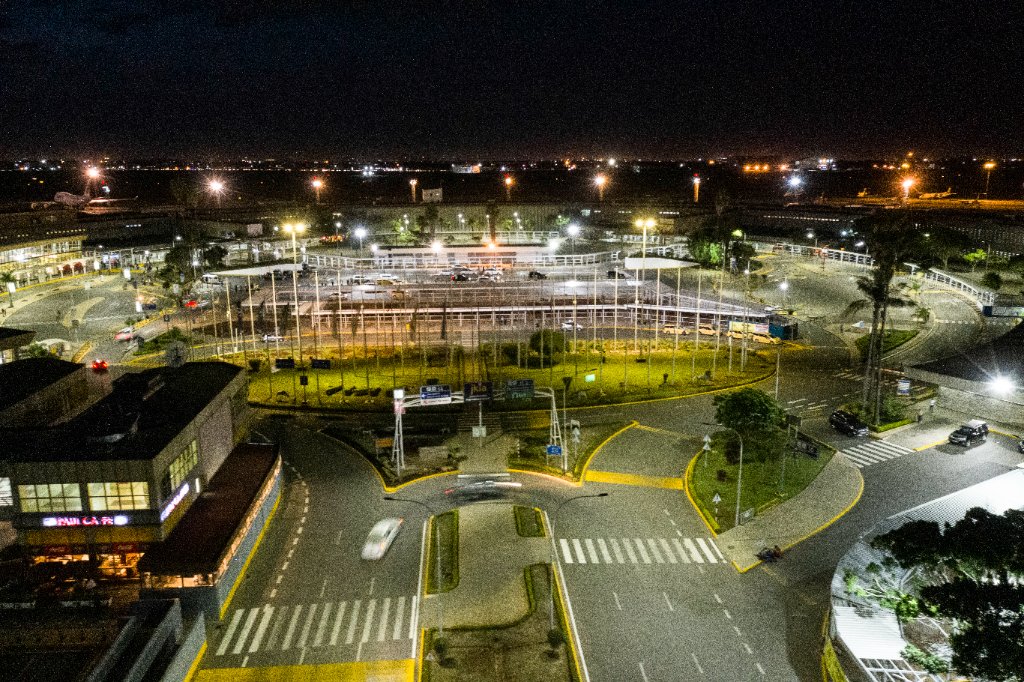
Wi-Fi at JKIA
Stay connected with complimentary high-speed internet across JKIA. Free, unlimited, and available in every terminal.
Get Connected
How to Connect
Follow these four simple steps to get online in minutes.
01
Enable Wi-Fi
Turn on Wi-Fi on your smartphone, tablet, or laptop in Settings.
02
Select Network
Connect to the "KAA-Free-WiFi" network from the list of available networks.
03
Open Browser
A login page will appear automatically. If not, open any website to trigger it.
04
Register & Connect
Enter your details on the portal page, accept the terms, and start browsing.
Coverage & Speed
Network Information
Free Wi-Fi is available at all KAA-managed airports with the following coverage and speeds.
AirportTerminalsSpeed
JKIA (Nairobi)All Terminals (1A–1E)Up to 20 Mbps
Moi International (Mombasa)Terminals 1 & 2Up to 15 Mbps
Kisumu InternationalMain TerminalUp to 10 Mbps
Eldoret InternationalMain TerminalUp to 10 Mbps
Support
Frequently Asked Questions
Having Trouble Connecting?
Visit any information desk in the terminal or contact our support team.
Was this page helpful?